How Does a Touchscreen Detect Your Finger?
Your phone screen does not feel pressure. It measures tiny changes in an electric field at hundreds of grid points, and your finger is what changes it. Here is how that works.
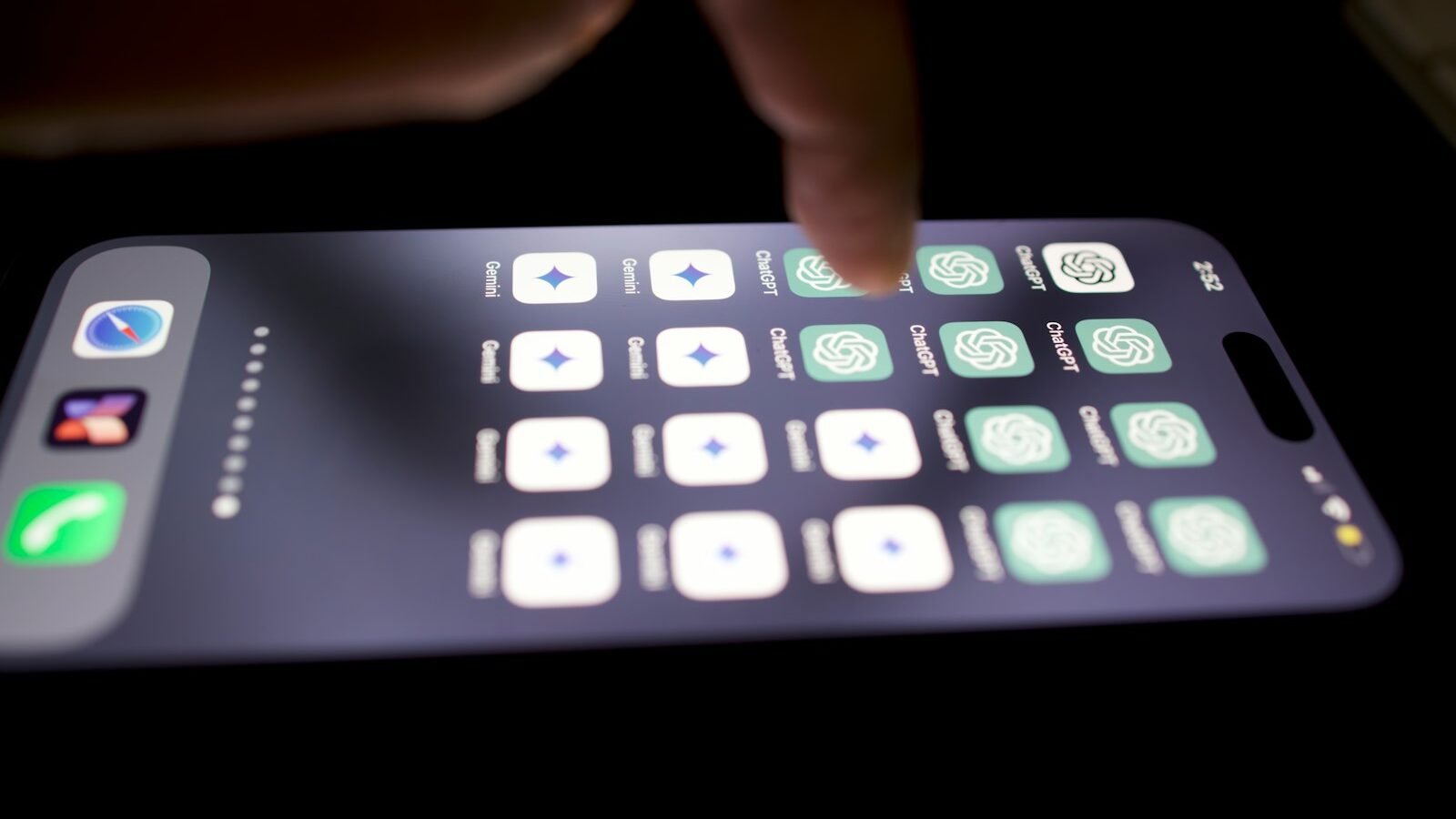
Tap a phone screen with your fingertip and it responds instantly. Tap it with a fingernail, a pen cap or a gloved hand and often nothing happens at all. That difference is the clue to how most modern touchscreens work: they are not sensing pressure. They are sensing you, or more precisely, the way your body disturbs an electric field.
Almost every smartphone and tablet uses a technology called projected capacitive touch. Understanding it explains multi-touch, why some styluses work and others do not, and why screens sometimes misbehave when wet.
The short answer
- Under the cover glass sits an invisible grid of transparent electrodes arranged in rows and columns.
- The controller sends signals into the electrodes and measures how much couples across each crossing point. Every crossing behaves like a tiny capacitor.
- Your finger is conductive and connected to a much larger body, so it draws part of the electric field away from nearby crossings and reduces the measured signal.
- By scanning every crossing many times per second, the controller can locate several fingers at once.
The basic principle: capacitance
A capacitor is any pair of conductors separated by an insulator. Apply a voltage and an electric field forms between them, storing a small amount of charge. How much charge they store for a given voltage is their capacitance, which depends on their size, their spacing and the material between them.
The important point for touchscreens is that capacitance changes when another conductor comes nearby. A human finger contains salty, conductive tissue and is connected to the rest of the body, which acts as a large reservoir for charge. Bring it close to a pair of electrodes and it changes the electric field around them. The screen detects a touch by detecting that change.
How it works, step by step
- The grid. Two layers of transparent conductive material, typically indium tin oxide (ITO), are patterned into rows and columns and separated by a thin insulating layer. The pattern is fine enough to be practically invisible over the display.
- The cover. A sheet of glass or plastic sits on top. It protects the electrodes and acts as the insulator between your finger and the grid.
- Driving a column. The touch controller sends a pulse of voltage into one column electrode.
- Listening on the rows. At each point where that column crosses a row, part of the signal couples across to the row electrode through the electric field. The controller measures what arrives on each row in turn.
- Repeat for every column. The controller drives the next column and listens again, until every crossing has been measured. A full scan happens many times per second.
- Find the dips. Where a finger is present, the coupled signal at nearby crossings drops. The controller compares each reading with its untouched baseline and marks the crossings that changed.
- Calculate the position. Software interpolates between neighbouring crossings to estimate the centre of each touch much more precisely than the grid spacing alone would allow, then reports coordinates to the operating system.
The science behind it
Mutual capacitance
Most modern phone screens use mutual capacitance sensing: they measure the capacitance between a row and a column at each crossing, rather than between a single electrode and ground. When a finger comes close to a crossing, some of the field that would have coupled from column to row is diverted into the finger instead and on to ground through the body. The measured mutual capacitance at that crossing goes down.
The signals involved are small. One patent describing a mutual-capacitance design gives an example in which a drive pulse with a 24-volt swing produces a received pulse of roughly 50 millivolts on an output electrode, and a finger touching the glass nearby reduces that by about a third. Exact values vary between designs, but the principle is the same: the controller is looking for small, local dips against a stable baseline.
Why many fingers work at once
Because mutual-capacitance controllers measure each crossing individually, two fingers in different places produce two separate patches of reduced signal. That makes true multi-touch possible, which is what lets you pinch to zoom or rotate a map.
The older alternative, self-capacitance sensing, measures each whole row and each whole column against ground. It produces a stronger signal, but with two fingers it only knows which rows and which columns are active. Two touches at opposite corners of a rectangle look the same as two touches at the other two corners, a problem known as ghosting.
Resolution from interpolation
A smartphone screen may have only a few hundred electrode crossings, far fewer than it has pixels. Higher precision comes from software that interpolates between the signal strengths at adjacent crossings. If a finger sits between two crossings, both show a dip, and their relative sizes tell the controller where in between it is.
How it differs from older screens
Many earlier touchscreens, such as those on some ATMs and handheld devices, were resistive. They used two flexible conductive layers separated by a tiny gap. Pressing the screen pushed the layers into contact, and the controller located the touch by measuring voltages across them. Resistive screens respond to pressure from any object, which is why they work with gloves and plastic styluses, but they need physical force and are less suited to multi-touch.
Real-world applications
- Phones and tablets use mutual-capacitance projected capacitive sensors for multi-touch gestures through toughened cover glass.
- Laptop trackpads use the same principle without a display beneath the grid.
- Large interactive displays scale the grid up. Patents for large projected capacitive sensors describe grids with hundreds of rows and columns for screens well over a metre across.
- Kiosks and industrial panels sometimes use simpler surface capacitive or resistive technologies where cost, gloves or rough handling matter more than multi-touch.
Common misconceptions
“The screen feels how hard you press”
A standard capacitive touchscreen detects proximity and contact area, not force. Pressing harder flattens your fingertip and increases the contact area slightly, but measuring true force requires additional sensors that some devices add separately.
“Your finger has to complete a circuit”
No current flows from the screen through your body in the way it would through a wire. Your finger changes the electric field through the cover glass, which is an insulator. That is why a screen protector of moderate thickness does not stop it working.
“Any stylus will do”
A plain plastic stylus does not change the electric field enough to register. Capacitive styluses use conductive tips that mimic a finger, and active pens contain electronics of their own.
Limitations and exceptions
- Gloves. Ordinary gloves keep the finger too far from the glass and insulate it. Touchscreen gloves weave conductive thread into the fingertips. Some screens are designed with higher sensitivity so they can work through thin gloves.
- Water. Droplets are conductive enough to affect the field, which can cause missed or phantom touches on a wet screen. Controllers use filtering to reduce this, with mixed success.
- Electrical noise. Chargers and nearby electronics can add interference. Mutual-capacitance designs are generally less sensitive to electromagnetic interference than self-capacitance designs, but cheap chargers can still cause erratic behaviour.
- Thick cases and protectors. Every extra millimetre between finger and electrodes weakens the signal. Very thick protectors can reduce responsiveness.
Frequently asked questions
Why does my fingernail not work on the screen?
A nail is dead, dry keratin and is a poor conductor. It does not draw charge away from the electrodes in the way the soft, conductive tissue of a fingertip does.
Can a touchscreen work through a screen protector?
Yes, as long as the protector is thin enough. It simply adds to the insulating layer between your finger and the electrodes, which slightly reduces the signal.
How many fingers can a phone detect at once?
It depends on the controller and software. Projected capacitive sensors commonly recognise anywhere from about 10 to dozens of separate touch points, although phone software usually only needs a few.
Is the touch layer the same as the display?
They are separate functions, though in many modern phones the touch electrodes are built into the display stack itself to save thickness. The display creates the image; the touch sensor only measures where you touch.
For another everyday technology that works through electric and magnetic fields rather than direct contact, see how wireless charging works.
References
- Askew, D. Mouser Electronics. Resistive and Capacitive Touch Technology: How Does It Work?
- MicroTouch. Projected capacitive touch FAQ.
- United States Patent 10,078,402. Touch sensitive displays (mutual capacitance operating principle and example signal levels).
- United States Patent 10,101,860. Borderless projected capacitive multitouch sensor (self- versus mutual-capacitance sensing).
- United States Patent 9,958,996. Capacitive touch sensor (sensor grid construction for large displays).
Header photo: Solen Feyissa on Unsplash.